

















Why Upgrade? The Technical Benefits of Firmware Updates
Is your facility’s hydration infrastructure running as efficiently as it should? We often see facility managers treating bottle filling stations as “set it and forget it” hardware, but in our 15+ years of R&D experience, we know that the software driving these machines is just as critical as the filtration filters inside them. Upgrading Firmware for Smart Bottle Filling Stations isn’t just about getting the latest version number; it is about unlocking the full potential of the engineering we developed in our software laboratories.
Regular firmware maintenance transforms a static water dispenser into an intelligent, adaptive hydration solution. By keeping the digital brain of the unit updated, we ensure the hardware operates at peak performance, protecting your investment and ensuring user safety.
Optimizing Dispensing Logic
At the core of our high-capacity units—capable of delivering up to 5.2L/min—is complex Dispensing Logic Optimization. Without precise code, high-flow valves can suffer from “water hammer” or post-dispense dripping.
- Precision Control: Updates refine the solenoid valve timing to milliseconds, ensuring the water stops exactly when the user pulls away.
- Flow Rate Stability: We adjust algorithms to maintain consistent pressure, even when filter life fluctuates.
Refining Sensor Calibration & Sensitivity
Nothing is more frustrating than a “ghost activation” where a machine dispenses water without a bottle present, or conversely, fails to recognize a user. Through Sensor Calibration updates, we fine-tune the infrared or capacitive sensors used in our touchless systems.
- Touchless Activation Sensitivity: Firmware patches adjust the detection range to prevent accidental triggers from passing shadows or cleaning crews.
- Environmental Adaptation: Smart updates allow the sensors to recalibrate based on ambient light levels in your facility.
Energy & Thermal Management
Our 4-in-1 systems (handling ice, hot, cold, and sparkling water) rely on heavy-duty compressors and heating elements. Firmware acts as the energy manager.
- Compressor Efficiency: We optimize the duty cycles of the cooling system to reduce runtime without sacrificing water temperature.
- Standby Modes: Updates can introduce deeper Energy Saving Mode Configuration protocols, powering down heating elements during non-peak hours to reduce operational costs.
Security & IoT Connectivity
For our IoT-enabled units, connectivity is a powerful tool that requires vigilance. As part of our commitment to strict quality control and intellectual property protection, we release patches to secure the data exchange between the station and your network.
- Network Security Patching: Closes vulnerabilities to prevent unauthorized access to the unit’s settings.
- Connection Stability: Improves the handshake protocols between the station and the cloud for reliable Remote Diagnostics.
| Feature | Firmware Update Benefit |
|---|---|
| Dispensing Mechanism | Eliminates drips and ensures precise volume delivery. |
| Sensors | Reduces false starts and improves Touchless Activation Sensitivity. |
| Thermal System | Optimizes compressor cycles for lower energy bills. |
| IoT Network | Enhances security protocols and data reporting reliability. |
Methods of Upgrading: From Manual to Smart
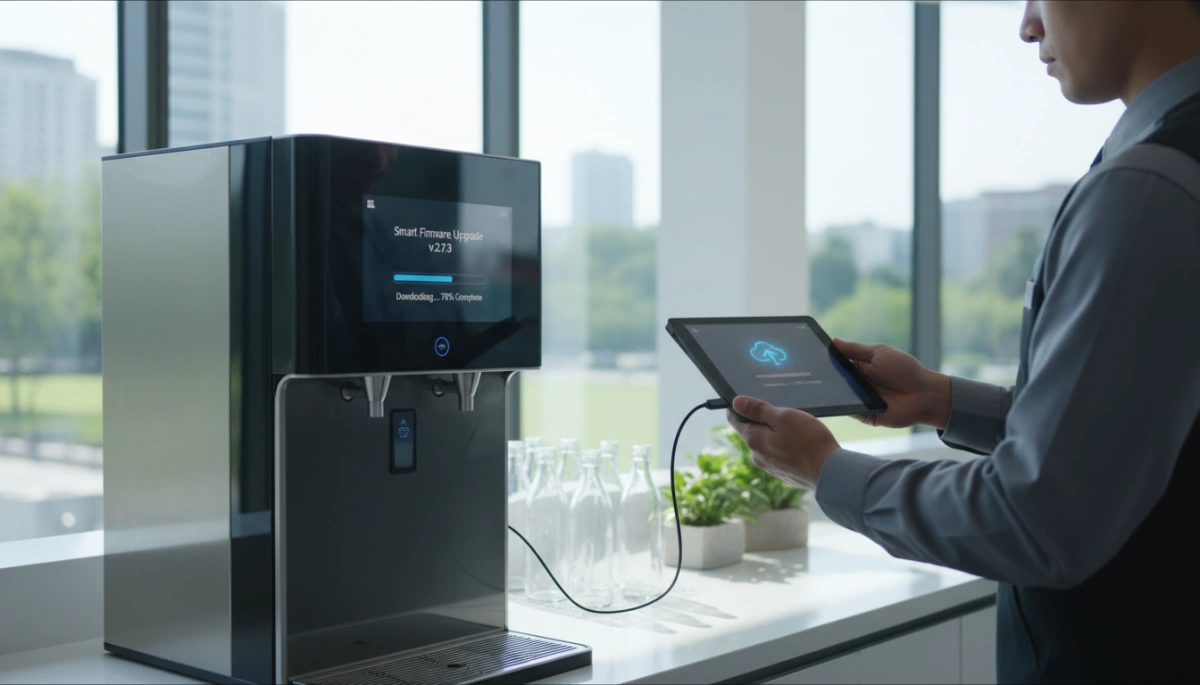
At Driplife, our R&D and Software Laboratory designs upgrade paths that fit different infrastructure needs. Whether you are managing a single unit or a massive fleet of hydration stations, we provide flexible options for Upgrading Firmware for Smart Bottle Filling Stations to ensure peak performance.
Method A: Over-the-Air (OTA) Updates
For our modern, IoT-enabled units, Over-the-Air (OTA) Updates are the gold standard. This method allows the machine to download and install patches automatically via a secure Wi-Fi or cellular connection.
- Zero Downtime: Updates are scheduled during low-usage hours (e.g., 2 AM).
- Remote Management: Facility managers can push IoT Connectivity patches across hundreds of units simultaneously without dispatching a technician.
- Real-Time Optimization: We can instantly refine Dispensing Logic Optimization to adjust flow rates or cooling cycles based on real-world usage data.
Method B: Physical Interface (USB/Programmer)
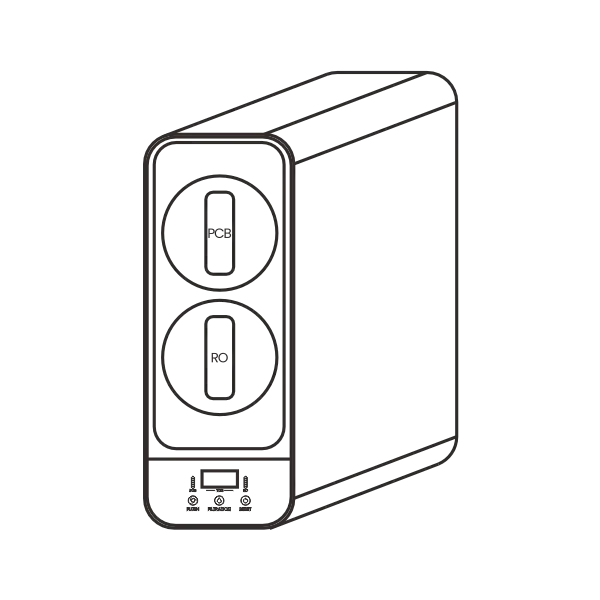
For legacy hardware or high-security environments where units are kept offline, we utilize a direct PCB Interface. This involves a technician physically connecting a USB drive or a proprietary programmer tool directly to the mainboard. This method is often used for robust, industrial-grade setups, such as the control boxes found in our heavy-duty under-sink water filter systems, ensuring the core filtration logic remains stable even without internet access.
Method C: App-Based Configuration
We bridge the gap between manual and fully autonomous systems through OEM Software Customization. Using a dedicated mobile app, technicians can connect to the bottle filler via Bluetooth.
- On-Site Control: Allows for immediate Firmware Version Verification before initiating the upload.
- Custom Settings: Once the firmware is updated, the app can be used to tweak Touchless Activation Sensitivity or reset filter life counters.
- Diagnostics: The app interface provides a visual log of system health, making it easier to spot issues that a simple LED indicator might miss.
Step-by-Step Pre-Update Checklist

Before we jump into Upgrading Firmware for Smart Bottle Filling Stations, we need to ensure the environment is stable. Rushing into a software patch without preparation is the fastest way to turn a high-tech water dispenser into a useless piece of metal. I always insist on a strict protocol to ensure the hardware accepts the new code without issues.
Version Verification: Checking Current Codes
You can’t know where you’re going if you don’t know where you are. The first step is accurate Firmware Version Verification. I always verify the current build number against the release notes of the new update.
- Digital Screens: Navigate to the ‘System Info’ or ‘About’ tab in the settings menu.
- Legacy Units: Check the sticker on the main PCB or use a diagnostic tool to read the current ID.
Matching the software version to the specific hardware revision is critical. If you try to force an update meant for a different board revision, the logic won’t align with the sensors.
Network Stability: Preventing the “Brick”
For Over-the-Air (OTA) updates, your internet connection is the lifeline. If the connection drops while the system is rewriting its memory, you risk “bricking” the unit.
- Signal Strength: Ensure the Wi-Fi RSSI is strong (ideally better than -60dBm).
- Traffic: Avoid updating during peak usage hours when the network is congested.
If you are managing a complex setup, such as a commercial under-sink distribution system, ensure the central hub has a wired connection or a dedicated IoT VLAN to prevent packet loss during the transfer.
Power Supply & Voltage Stability
Never flash firmware if the power source is unreliable. A sudden voltage drop or power outage during the writing process is catastrophic.
- Stable Voltage: Verify that the outlet provides consistent 110V/120V (standard US voltage) without fluctuations.
- No Battery Reliance: If the unit has a backup battery, do not rely on it for the update process. Always be plugged into mains power.
Treating this checklist as part of your Preventative Digital Maintenance routine saves time and money. I also recommend having your System Reboot Protocols handy; if the screen freezes post-update, knowing exactly how to force a safe restart is essential.
The Role of R&D in Firmware Development
Developing the code for Upgrading Firmware for Smart Bottle Filling Stations isn’t a weekend project; it requires a disciplined approach to ensure stability and performance. Before we release any feature patch or system update, our engineers simulate years of usage in a controlled lab environment. We stress-test the dispensing logic optimization to ensure the machine handles back-to-back users in high-traffic areas—like busy gyms or schools—without freezing or lagging.
OEM Software Customization and Localization
For our partners, OEM Software Customization is a huge advantage. We don’t just ship a generic interface; we tailor the firmware to support local languages and specific hardware configurations.
- Water Quality Tuning: We adjust sensor sensitivity based on the filtration type. For example, systems utilizing a high-efficiency TDS water filter require specific calibration to accurately read total dissolved solids and predict filter life.
- Regional Settings: We customize UI languages and toggle between metric and imperial unit displays to match the specific needs of the US market.
IP Protection and Hardware Authenticity
Firmware acts as the digital fingerprint for our hardware. We embed encrypted protocols that verify the authenticity of the mainboard and sensors during boot-up. This prevents unauthorized cloning and ensures that critical bug fixes are only applied to genuine hardware. This step is vital for maintaining system optimization and protecting the integrity of the machine over its lifespan.
Troubleshooting Common Upgrade Issues
Even with the rigorous testing conducted in our R&D software laboratory, field upgrades can occasionally hit a snag due to local environmental factors. Knowing how to quickly diagnose and resolve these hiccups ensures your hydration stations remain operational with minimal downtime.
Resolving “Update Failed” Errors
Network instability is the most common culprit behind a stalled update. If a unit displays an “Update Failed” message or times out, the device likely lost its handshake with the server during the packet transfer.
- Check Signal Strength: Ensure the Wi-Fi RSSI (Received Signal Strength Indicator) is strong at the installation site.
- Power Cycle: Initiate standard System Reboot Protocols. distinct from a factory reset, this simply clears the cache and restarts the network module to re-attempt the download.
- Firewall Settings: For corporate environments, ensure Remote Diagnostics ports aren’t being blocked by local security policies.
Fixing Unresponsive Sensors & Calibration
Post-update, you might notice the dispensing activation feels “off.” Firmware updates often include refined algorithms for Touchless Activation Sensitivity, which can reset user preferences to factory defaults.
- Recalibrate: Access the admin menu to run a Sensor Calibration routine. This helps the IR sensors adjust to the ambient light and distance of the specific installation environment.
- Clean the Interface: Ensure the sensor window is free of debris, as new software might be more sensitive to obstructions than previous versions.
Addressing Display Glitches and UI Errors
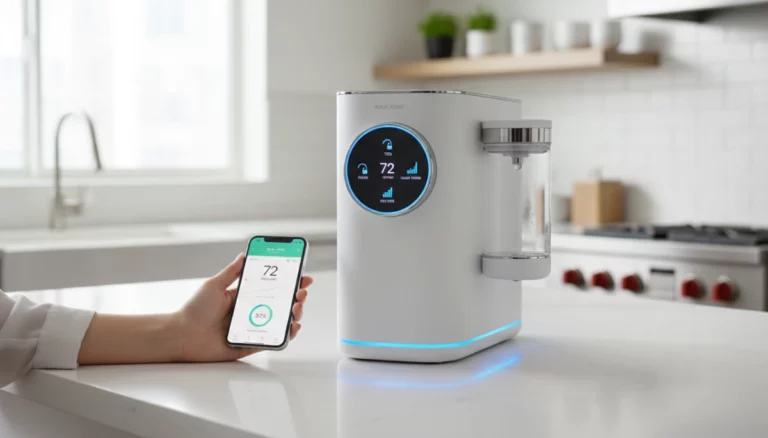
Digital screens on advanced units, such as our countertop reverse osmosis systems, act as the central hub for user interaction. If the UI freezes or shows garbled text after an update, it usually indicates a mismatch between the main board and the display driver.
- Hard Reset: Completely disconnect power for 60 seconds to drain residual capacitor charge, then restart.
- Version Verification: Check the “About” screen to ensure the display firmware version matches the main board firmware. Mismatched versions often cause UI artifacts.
Frequently Asked Questions About Firmware Upgrades
How often should I check for firmware updates?
You don’t need to obsess over this daily. For most IoT Connectivity enabled stations, I recommend a quick check once a quarter. Manufacturers typically roll out a major feature patch or critical bug fixes every few months to improve stability or dispensing speed. If your units are set to automatic Over-the-Air (OTA) updates, the system handles this for you. However, for manual maintenance, setting a reminder every 90 days is a solid standard operating procedure to keep your fleet running smoothly.
Can I upgrade a non-smart unit to a smart one?
Many customers ask if they can simply “download” smart features onto an older, basic model. The short answer is no. A standard mechanical unit lacks the necessary printed circuit boards (PCBs) and sensors to run complex software. Upgrading to smart functionality usually requires a physical retrofit kit or a complete unit replacement. If you are looking to overhaul your setup entirely, moving toward tankless RO filters offers a premium niche for modern hydration stations that often come pre-equipped with these smart capabilities.
What do I do if my station loses power during an update?
This is the nightmare scenario, but don’t panic. If the power cuts out while flashing, the unit might appear unresponsive.
- Do not unplug it again immediately.
- Restore power and wait 5-10 minutes to see if the System Reboot Protocols kick in automatically.
- If the screen remains black, you may need to perform a hard reset or use a physical programmer tool to recover the board.
- Always perform Firmware Version Verification after the unit comes back online to ensure the update actually finished before the crash.